
Subway
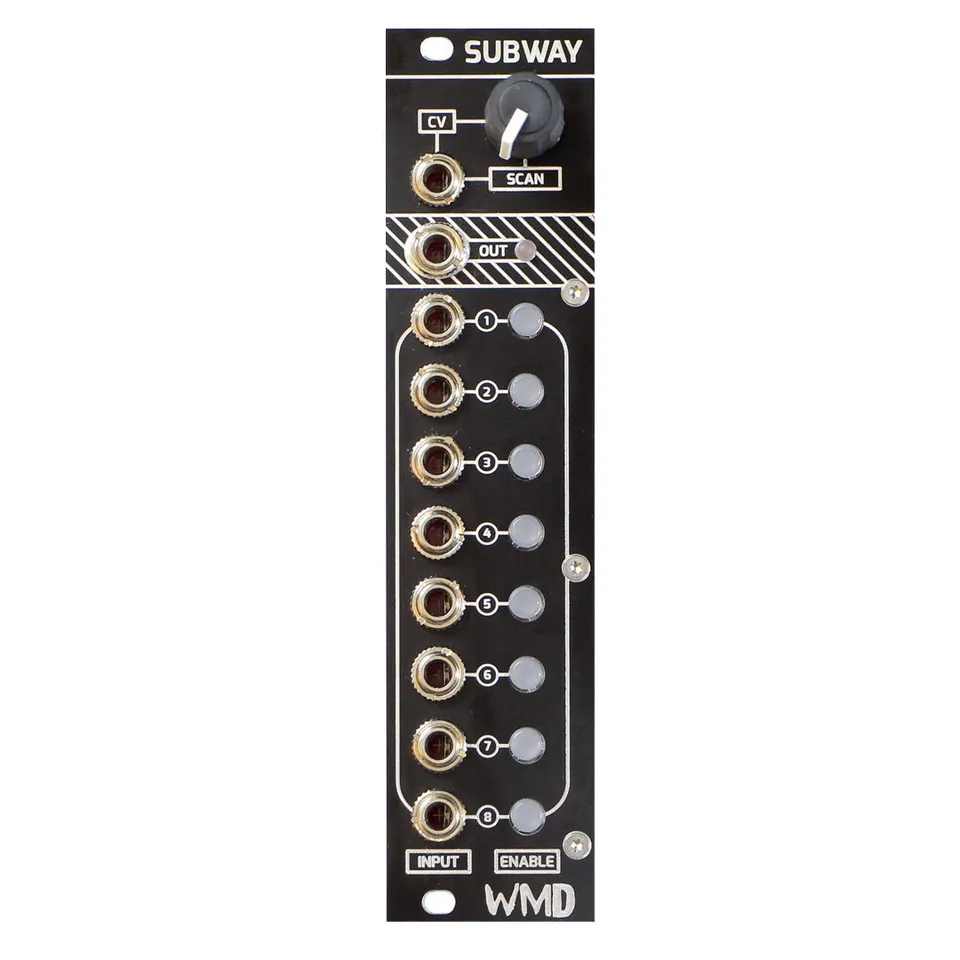
8 Input 1 Output Scanning Crossfader
1Introduction
Subway is the intelligent crossfader for multiple signals that we never knew we needed. Eight inputs that can all be crossfaded transparently in analog by a smart digital control interface. The uses for Subway are endless. Dramatically increase the timbral possibilities of your oscillator(s) or turn any module with multiple outputs into a continuously crossfading system. Subway will find plenty of uses in your rack.
2Front Panel Overview
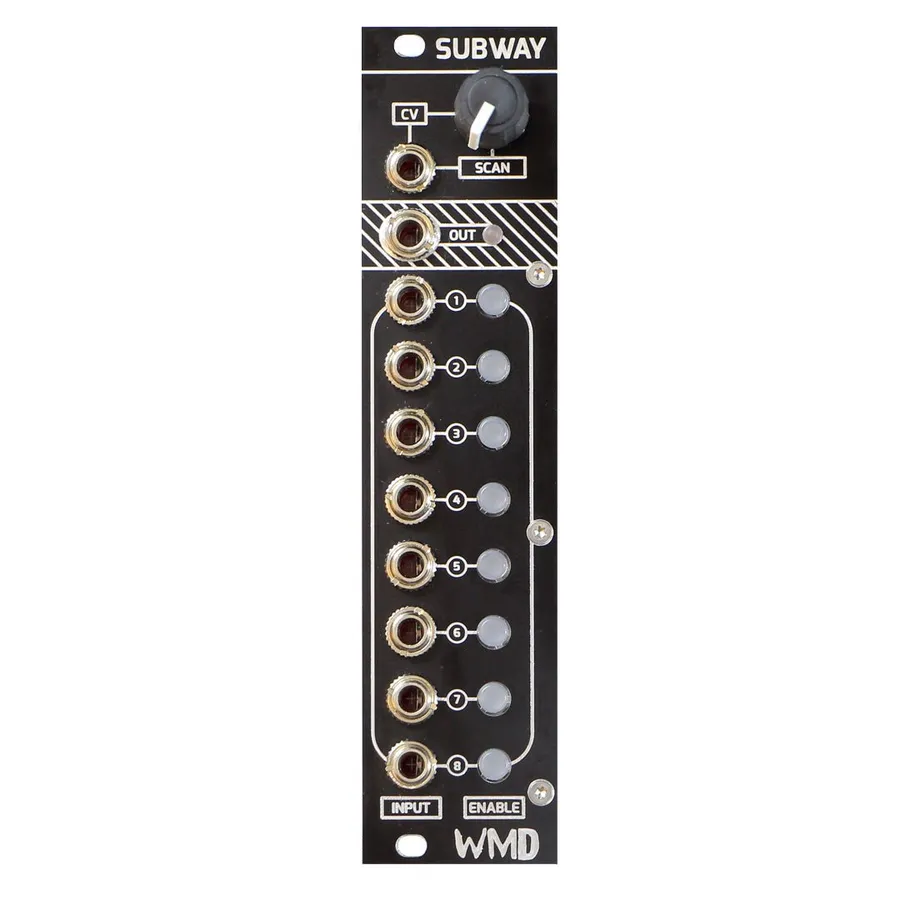
- SCAN (Knob & CV Input): Scans through the inputs that are enabled. The potentiometer becomes an attenuator when a CV is applied to the jack.
- OUT (Jack & LED): Output of the crossfader. Bicolor LED for bipolar signals.
- INPUTS: DC coupled inputs for the signals you would like to scan through.
- ENABLES: Buttons that enable and disable the associated input. When an input is disabled the signal will be removed from the scanning crossfade.
3Fade Curves
Subway has 3 selectable crossfade curves. Choose a curve by holding one of the following buttons on startup:
Linear
Exponential
Equal Power
4Specifications
Dimensions:
- Width: 6HP
- Depth: 38mm (with cables)
Power:
- +12V: 80mA
- -12V: 22mA
Inputs & Outputs:
- 100k ohm input / CV impedance
- 1k ohm output impedance
- 20Vpp range
- Digitally controlled analog signal path operates at 48kHz
Memory:
- Front panel settings save to EEPROM 1 minute after the last button press.
5More Information
Visit the Subway product page for demos, updates, and support.