
Orion
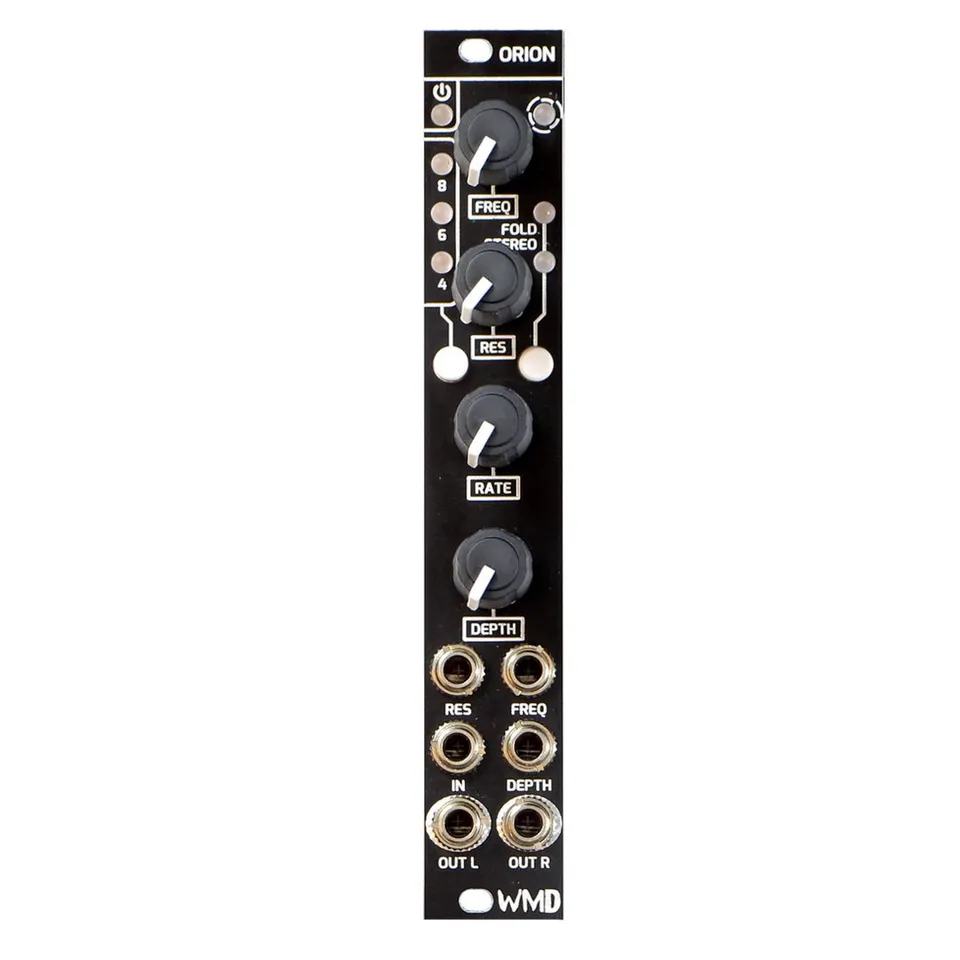
Multi Stage Phaser and Stereoizer
1Introduction
ORION (Oh-Rye-Yuhn), WMD's analog Phaser effect module in 4HP. Incorporating a bypass option, selectable stages, mono to stereo effect, and pre phaser wavefolder. ORION will take you on a journey of cosmic swirls and spaced out texture.
2Front Panel Overview
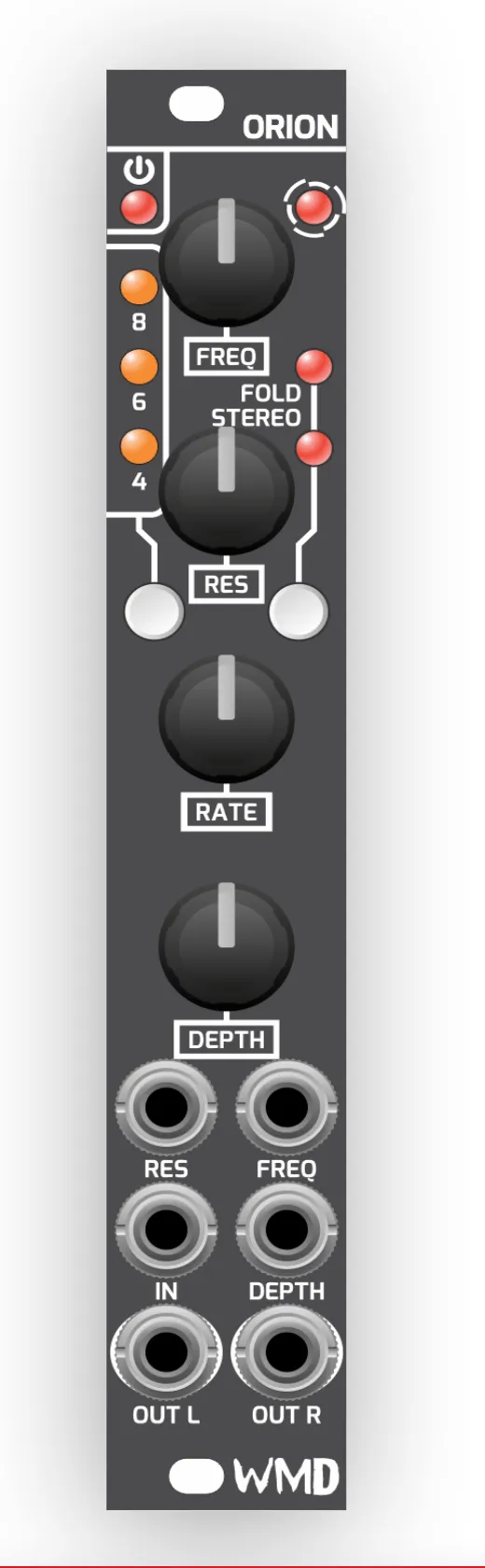
- FREQ: Knob and associated jack set the center frequency of the phaser.
- LED: Visual representation of the center frequency setting of the phaser.
- RES: Knob and associated jack set the resonance of the phaser.
- RATE: Controls the rate of the internal LFO.
- DEPTH: Knob and associated jack control the amount of frequency modulation from the LFO.
- BYP / 8 / 6 / 4 (LEDs & Button): Multi-use button for selecting the number of phaser stages and bypassing the effect. Tapping the button toggles between the wet signal and a completely dry bypassed signal. While in bypass the phase, wavefolder, and stereo effect are disabled. Holding this button cycles through the 4-stage, 6-stage, and 8-stage phaser settings.
- FOLD / STEREO (LEDs & Button): Multi-use button for enabling the wavefolder and stereo effect. Tapping this button toggles the pre phaser wavefolder. Holding the button toggles the phaser stereo effect. The status of both effects is indicated by their corresponding LEDs.
- IN: Input of the effect.
- OUT L / OUT R: Stereo outputs of the effect. When STEREO is disabled or the effect is bypassed, OUT R will be the same signal as OUT L.
3Using the Buttons
Both of Orion's buttons are multi-use, with a different action for a tap versus a hold:
BYP / 8 / 6 / 4 — Tap to toggle between the wet (effected) signal and a fully dry bypass. Hold to cycle through the 4-stage, 6-stage, and 8-stage phaser settings.
FOLD / STEREO — Tap to toggle the pre phaser wavefolder. Hold to toggle the phaser stereo effect. The corresponding LEDs indicate the status of each.
4Specifications
Dimensions:
- Size: 4HP
- PCB: 112mm
- Depth: 38mm (with cables)
Power:
- +12V: 70mA
- -12V: 58mA
Inputs:
- Audio Input: 100k ohm impedance, 20Vpp range
- CV Inputs: >100k ohm impedance
Outputs:
- 1k ohm impedance
- 20Vpp range
Memory:
- 1 save / minute
5More from WMD
Visit the Orion product page for demos, audio examples, and the latest information.