
AXYS
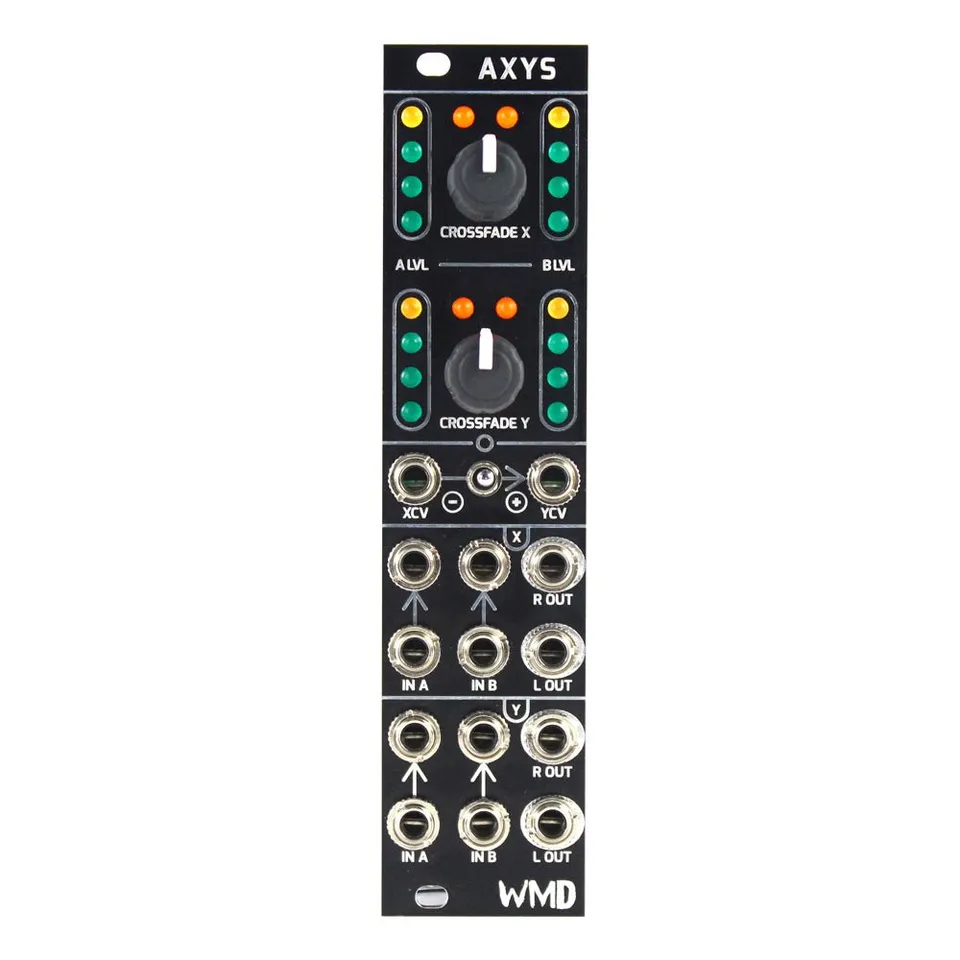
Dual Stereo Crossfader
1Introduction
Stereo patching in the Eurorack environment is becoming more common every day. While easy to understand, stereo crossfading can be resource intensive to patch. AXYS solves this issue by providing two high quality CV controllable crossfaders in 6HP. We sweeten the package with flexible normalling and ever useful input metering. AXYS is simply a must have for any system utilizing the stereo field.
2Front Panel Overview
3Controls and Connections
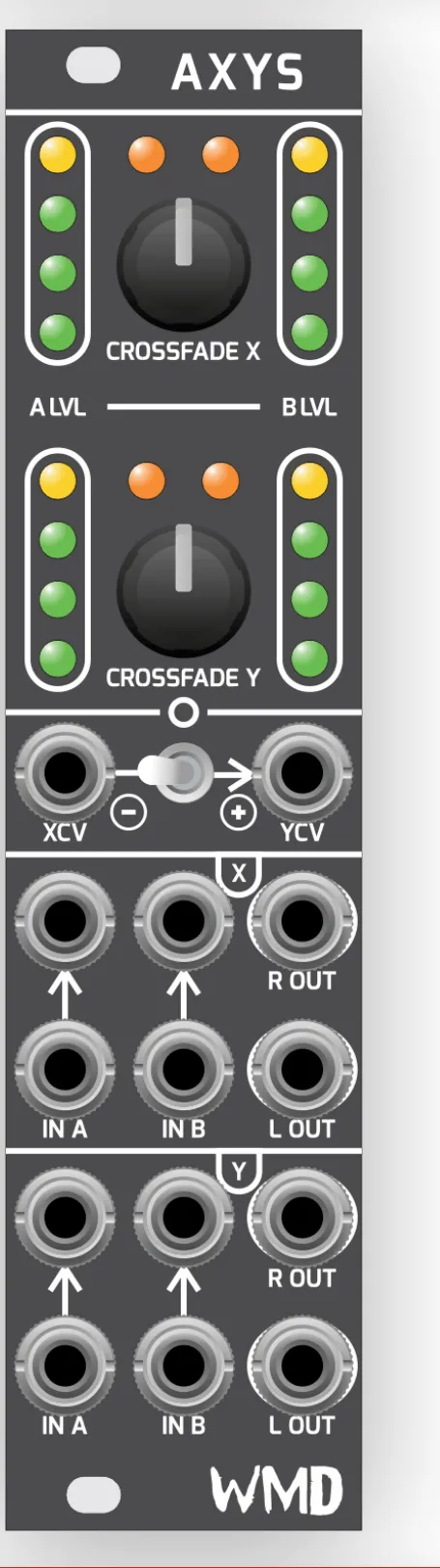
- CROSSFADE X / Y: Manually crossfade between the corresponding input pairs. Crossfade level is indicated on the orange LEDs above the potentiometer.
- A LVL / B LVL LEDs: Displays the combined input level of the corresponding input pair.
- XCV / YCV / SWITCH: Voltage control over the crossfade amount of the respective crossfader. Setting the switch to the right position will normal XCV to YCV. The center position will break the normal. The left position inverts the CV from XCV and applies it to YCV.
- IN A / IN B: Inputs for the crossfaders. The bottom jacks normal to the top jacks, indicated by the arrow.
4Patch Ideas
4.1Stereo Wet/Dry & Volume
Place the dry signal into IN A and the effected signal into IN B on crossfader X. Run the output into IN B of crossfader Y. Leave IN A of crossfader Y empty. The Crossfade X knob is your wet/dry control. Crossfade Y is volume.
4.2Mono Panning
Using one crossfader section, mult your signal to the bottom jack of IN A and the top jack of IN B. Insert a cable or dummy plug into the top jack of IN A to break the normal. Use the crossfade knob or corresponding CV to pan your mono signal.
4.3Parallel Compression
Put your non-compressed signal into IN A on either crossfader. Put your compressed signal into IN B on the same crossfader. Listen to the output and use the crossfade knob to balance between the two signals.
5Specifications
Dimensions:
- Width: 6HP
- Depth: 38mm
Power:
- +12V: 50mA
- -12V: 50mA
Inputs:
- CV Input Impedance: 100K
- Audio Input Impedance: 20k
Outputs:
- Output Impedance: 220 ohms